

Siemens 6AV3627-1QL01-0AX0 OP27
Price range: € 695,00 through € 799,00
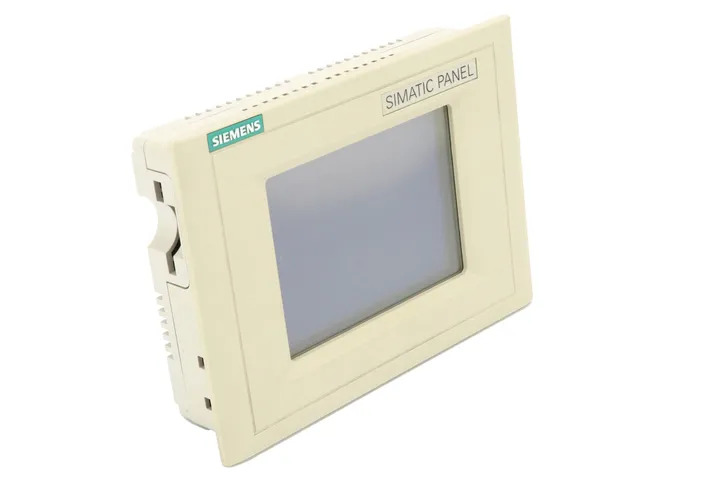
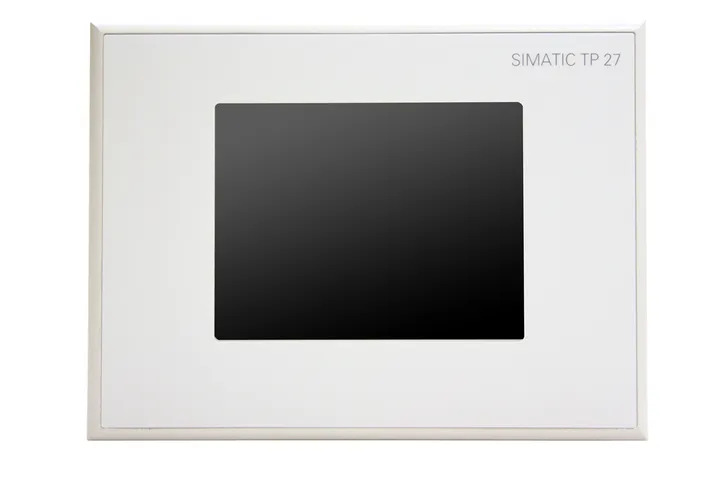
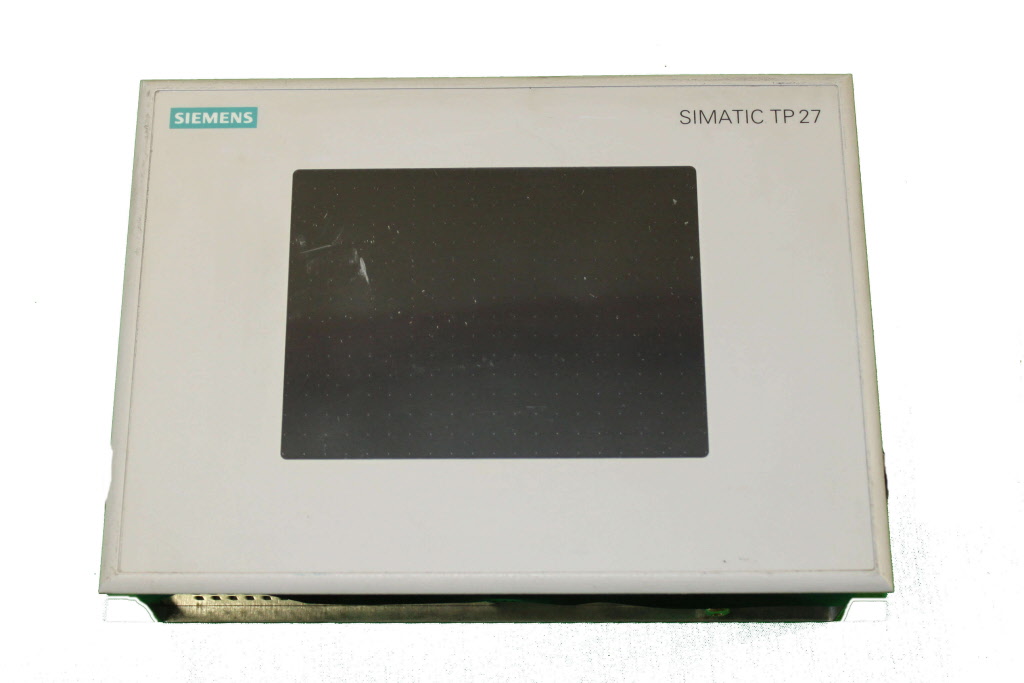
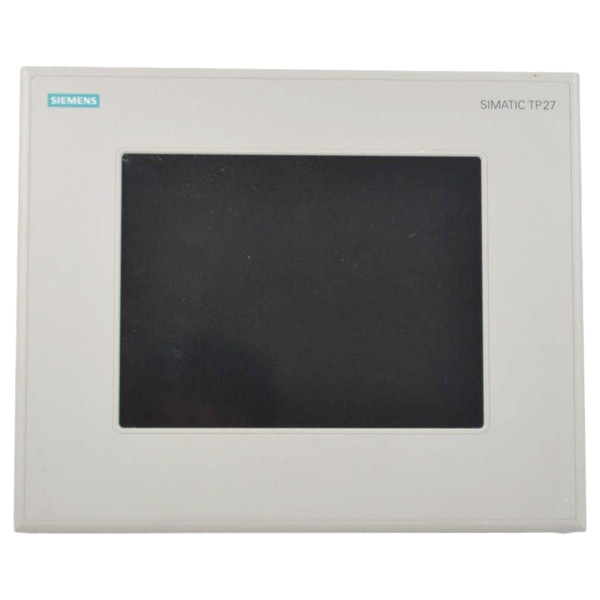
The Siemens 6AV3627-1QL01-0AX0 is an OP27 operator panel belonging to the SIMATIC HMI OP series, manufactured by Siemens. It is a monochrome graphical operator panel designed for machine-level human-machine interface applications, providing operators with process visualization and control capabilities. This unit is part of the established OP27 product family, which was widely deployed across industrial automation environments integrated with Siemens SIMATIC PLCs.
The OP27 features a 5.7-inch STN monochrome LCD display with a resolution of 320 x 240 pixels (QVGA), supporting the display of text, graphics, and trend curves. It communicates via MPI (Multi-Point Interface) and PROFIBUS-DP, enabling direct connection to SIMATIC S7-300 and S7-400 PLCs as well as S5 controllers via appropriate adapters. The panel includes membrane function keys and softkeys for operator input, and is configured using ProTool configuration software. It operates on a 24 V DC supply and is rated IP65 at the front panel for protection against dust and water ingress.
The OP27 is commonly used in discrete manufacturing, process automation, and machine tool applications where reliable operator interaction is required at the machine level. Its compatibility with the SIMATIC S7 controller family makes it a standard choice for retrofitting and maintaining existing Siemens-based automation systems. The panel is suitable for installation in control cabinet doors and operator stations in industries such as automotive, food and beverage, and general manufacturing.
Technical Specifications
| Display Size | 5.7 inch |
|---|---|
| Display Type | STN monochrome LCD |
| Display Resolution | 320 x 240 pixels (QVGA) |
| Input/Operating Voltage | 24 V DC |
| Communication Interface | MPI, PROFIBUS-DP |
| IP/Protection Rating | IP65 (front panel) |
| Operating Temperature | 0 °C to +50 °C |
| Storage Temperature | -20 °C to +60 °C |
| Relative Humidity | 10% to 90% (non-condensing) |
| Mounting | Panel mounting |
| Configuration Software | ProTool |
| Series/Product Family | SIMATIC HMI OP27 |
| Certifications | CE, UL |
Common Error Codes & System Events
- Event ID: 10000
- Communication error between the OP27 and the connected PLC. The panel cannot establish or maintain a connection to the controller.
Check MPI or PROFIBUS-DP cable connections and termination resistors. Verify the PLC address settings match the configuration in ProTool. Ensure the PLC is powered and in RUN mode. - Event ID: 10001
- Connection to the PLC was interrupted during operation.
Inspect the communication cable for damage or loose connectors. Verify bus termination at both ends of the network. Check for address conflicts on the MPI or PROFIBUS network. - Event ID: 20000
- Configuration download error. The project data could not be transferred to the OP27.
Verify the transfer cable connection between the programming device and the OP27. Ensure the panel is in transfer mode before initiating the download. Check that the ProTool project is compiled without errors. - Event ID: 40000
- Internal memory error detected. The panel has identified a fault in its internal data memory.
Perform a memory reset on the OP27 and re-download the project. If the error persists, the internal memory or main board may require replacement. - Event ID: 50000
- System startup error. The OP27 failed to complete its boot sequence correctly.
Cycle power to the panel. If the error recurs, perform a factory reset. Check the 24 V DC supply voltage is within tolerance. - Event ID: 60000
- Recipe data error. A fault occurred during reading or writing of recipe records.
Check the recipe configuration in the ProTool project. Verify available memory on the panel. Re-download the project and test recipe operations. - Event ID: 70000
- Printer communication error. The panel cannot communicate with the configured printer.
Check the printer cable connection and printer power status. Verify the printer type and port settings in the ProTool configuration match the connected device.
Frequently Asked Questions
Which PLCs are compatible with the Siemens OP27 (6AV3627-1QL01-0AX0)?
The OP27 is compatible with SIMATIC S7-300 and S7-400 PLCs via MPI or PROFIBUS-DP. It can also connect to S5 PLCs using appropriate interface adapters and configuration.
What configuration software is required for the OP27?
The OP27 is configured using Siemens ProTool software. WinCC flexible is not natively supported for this panel generation; ProTool is the correct tool for creating and downloading projects.
What is the supply voltage for the 6AV3627-1QL01-0AX0?
The OP27 operates on a 24 V DC supply voltage. Ensure the power source is within the specified tolerance range to guarantee stable operation.
What is the front panel protection rating of the OP27?
The OP27 achieves an IP65 protection rating at the front panel, making it suitable for installation in environments where dust and water spray may be present.
Can the OP27 display graphical content and trend curves?
Yes, the OP27 supports graphical displays including bar graphs, trend curves, and bitmap graphics in addition to text-based screens, within the limits of its 320 x 240 monochrome display.
Troubleshooting
Display remains blank after power on
Measure the 24 V DC supply voltage at the power connector on the rear of the panel. Check for blown internal fuses. Observe whether the backlight activates briefly on startup.
Ensure the supply voltage is within the 24 V DC tolerance. Replace any blown internal fuses. If the backlight does not activate at all, the backlight lamp or inverter board may require replacement.
OP27 cannot communicate with the S7 PLC
Verify the MPI or PROFIBUS-DP address configured in the ProTool project matches the address set on the panel. Check cable integrity and bus termination at both ends of the network.
Correct any address mismatches in the ProTool project and re-download. Replace damaged communication cables. Ensure bus termination resistors are correctly installed at the network endpoints.
Project download fails or transfer cannot be initiated
Confirm the OP27 is set to transfer mode via the panel menu. Check the PC-to-panel transfer cable connection and verify the correct COM port is selected in ProTool.
Switch the panel to transfer mode before starting the download. Use a known-good Siemens PC-PPI or MPI transfer cable. Reinstall ProTool drivers if the COM port is not recognized.
Touchscreen or membrane keys not responding
Test each function key and softkey individually. Check whether the issue is isolated to specific keys or affects all inputs. Inspect the membrane keypad connector on the main board.
Clean the membrane keypad surface. If individual keys are unresponsive, the membrane keypad assembly may require replacement. Reseat the internal keypad ribbon connector if accessible.
Panel repeatedly restarts or crashes during operation
Check the 24 V DC supply for voltage fluctuations or ripple using a multimeter or oscilloscope. Review the project for configuration errors that may cause runtime faults.
Stabilize the power supply and ensure adequate current capacity. Re-download a verified ProTool project. If restarts continue, inspect the main board for damaged components or perform a board-level repair.
| Condition | Repair, Used, Refurbished, New in box (sealed) |
|---|
Related products
-
Siemens 6AV6640-0CA01-0AX0 OP 73micro
Price range: € 279,00 through € 444,13 -
Siemens 6AV3627-1NK00-2AX0 SIMATIC OP 27
Price range: € 749,00 through € 964,00 -
Siemens 6AV3627-1QK00-0AX0 OP27
Price range: € 649,00 through € 869,00